This page will show you how to install, run, and test your AtD server.
Requirements
To run the AtD server you’ll need the following:
- Sun Java 1.6.0
- 1.5GB of RAM (low-memory mode) or 4GB of RAM (full AtD)
The more CPU cores you have the more concurrent sessions AtD can support. The high memory requirement allows AtD to load its language model into memory.
Installation
To install AtD:
tar zxvf atd_server.tgz
Run
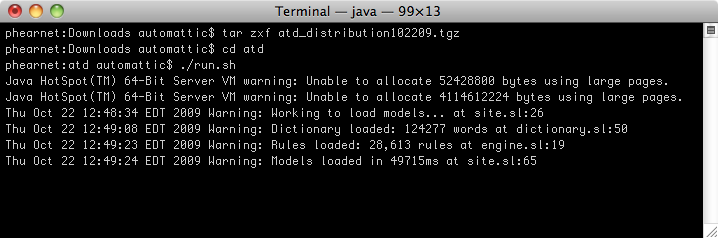
To run AtD in low-memory mode:
./run-lowmem.sh
Use low-memory mode if you expect to check short documents from a limited number of clients. If you need scalability (or better performance), you’ll want to run AtD with the language models loaded in memory. To do this:
./run.sh
Windows Users
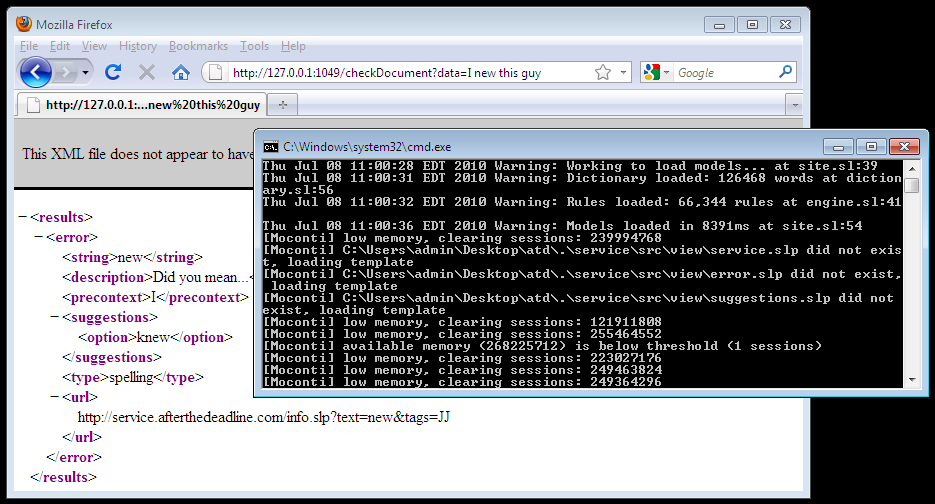
AtD will run on Windows. Double click the provided atd-lowmem.bat to start it.
How to Test
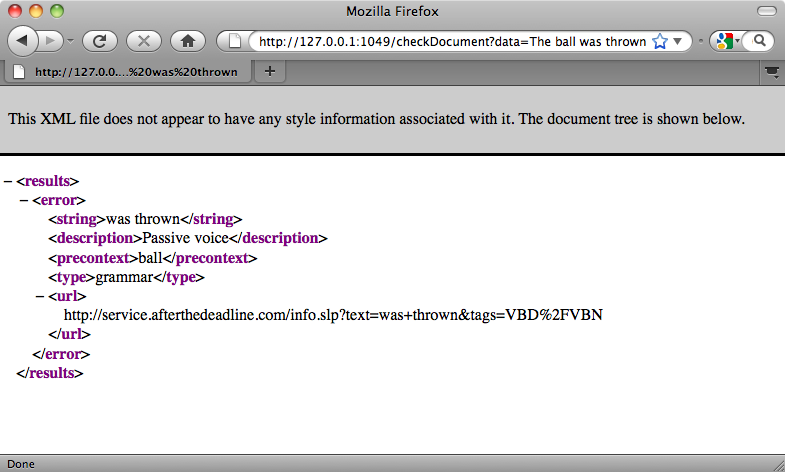
Once AtD is running, it will listen on port 127.0.0.1:1049. Connect to AtD with a web browser:
http://127.0.0.1:1049/checkDocument?data=the+ball+was+thrown
Note: For security reasons, AtD binds to 127.0.0.1 explicitly. You can either configure Apache or Nginx to proxy to it or edit run.sh and change the bind.interface property passed to AtD. You may remove the bind.interface property completely if you choose.
 After the Deadline